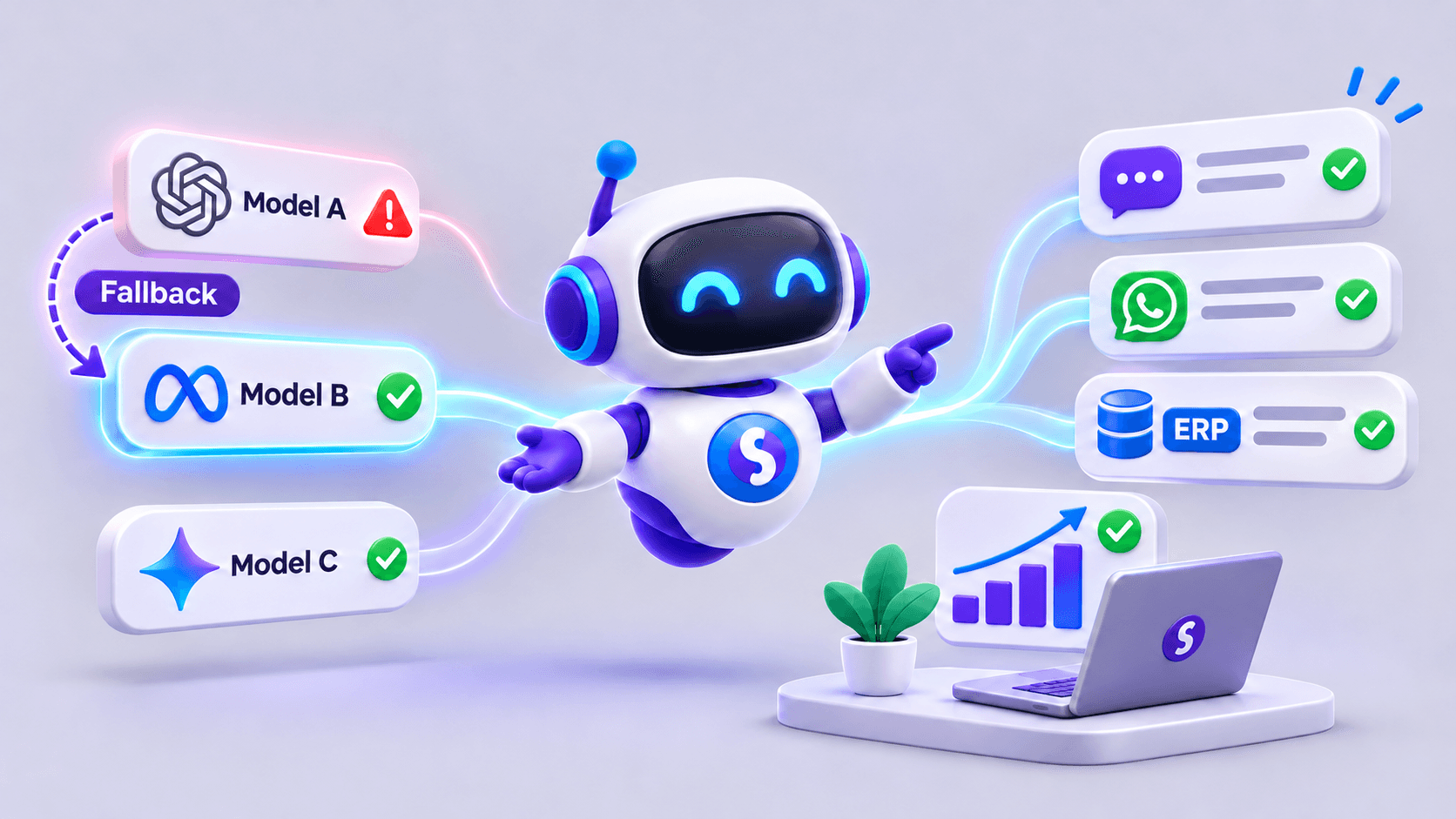
An AI agent for sales can help answer questions, retrieve commercial information and prepare work for the team. It can find products, query authorized sources, organize opportunities and assist salespeople. Each business's integrations and rules determine what information it can use and which actions it can complete.
This guide brings together use cases and criteria for choosing a first pilot. If the goal is to decide what information to collect before handing an opportunity to a person, see how to qualify leads with AI.
1. Answer product and service questions
A prospect may ask about compatibility, variants, contract conditions or documentation. The agent searches an approved catalog or knowledge base and answers within that scope. When a commercial condition changes frequently, it must query an up-to-date source or refer the matter to a salesperson.
Answer quality depends on the catalog. Conflicting descriptions and undated product sheets lead to confusing replies even with a capable model. Assign people to keep information current and remove old versions. A fluent answer is not evidence that the underlying information is right.
2. Find products based on a need
A buyer may describe what they need without knowing a product code. The agent turns requirements—capacity, size, use and an approximate budget—into filters and proposes options found in the catalog. It should distinguish essential requirements from preferences and identify features it could not verify.
At a distributor, for example, it could compare models in a category and present compatible alternatives. Checking stock through WhatsApp explains how to verify availability before offering a specific option.
3. Retrieve stock, order status and authorized terms
With an integration, an agent can retrieve availability, an order status or commercial terms that the user is allowed to see. This requires identification, access control and a definition of what may be disclosed to each audience.
“We carry this product” and “We can deliver it on Friday” are different statements. The latter may require checks on reservations, logistics, location and opening hours. An agent should only report what its authorized sources can confirm.
4. Prepare a quotation for review
An agent can gather items, quantities, customer details and requested conditions, then draft a summary for the team. A formal quotation requires current prices, taxes, approved discounts, validity periods and authorization rules.
The agent can prepare a draft using terms retrieved from authorized sources and flag missing details. A salesperson reviews it before issuing a formal offer.
5. Qualify and hand over opportunities
Before handing off a conversation, the agent can ask what the prospect needs, which organization they represent, their timeframe and how they prefer to be contacted. Using criteria defined by the sales team, it summarizes the answers and records them in a CRM if that tool is enabled.
Qualification should organize work, not automatically dismiss a person through an opaque score. A salesperson needs to review context, correct fields and decide what to do next. An incomplete inquiry may need one more question rather than a definitive label.
6. Assist a salesperson during a conversation
Internal use matters too. A salesperson might request a summary of product sheets, search an approved policy, check the status of an opportunity or prepare questions for a meeting. In this setting the agent supports the team; people retain the commercial decision and customer relationship.
When tools are connected, define each function for a clear purpose: read a product sheet, check an order or prepare a draft. Connecting an agent to an ERP explains how to retrieve management data with specific permissions.
Choosing the first sales use case
Look for frequent work with accessible information, bounded risk and a clear way to check quality. An answer based on documented specifications is often a better first step than issuing discounts automatically. Decide who validates the source, which questions are out of scope and when to hand off.
A useful pilot compares the agent's answers with real cases reviewed by the team. Track product-match accuracy, facts corrected by staff, handoffs and the amount of human work required. A polished demo does not replace an evaluation under routine operating conditions.
Commercial and human limits
An agent can help outside business hours, but should explain when a person will actually respond. It should not claim that a salesperson has taken ownership of a case if it was only recorded. Nor should it present a product suggestion as definitive advice when important requirements remain unknown.
Automation adds value when it preserves context and lets the team continue without repeating questions. The practical aim is to improve the quality and timing of interactions with controls proportional to each action's risk.
How SabioIA can support a sales team
SabioIA can create agents that consult documents and business systems, answer through channels such as WhatsApp and hand conversations to the team. A first sales flow can focus on product questions; depending on available integrations and permissions, it can expand to stock inquiries, ERP data and lead qualification. Salespeople retain review of commercial commitments.
Frequently asked questions
Can an AI agent sell without salespeople?
It can handle parts of a simple process when information, integrations and rules are sufficient. Negotiations, exceptions and significant commitments often require human review. Set the scope for each specific process.
Does it need a CRM connection?
Not to answer a general question. A CRM becomes useful for preserving history, assigning responsibility, following up or measuring opportunity stages. Integration must respect permissions and data quality.
Where should a business start?
Start with a repeated question backed by an approved source and a verifiable success criterion. Add data retrieval and actions gradually after reviewing results.