Connecting an AI agent to an ERP gives it controlled access to specific functions and data in the business system. The agent interprets a request in natural language, an authorized integration performs the permitted query or action, and the reply uses the ERP's actual result.
This guide focuses on the integration itself. For the wider architecture, start with how to implement AI agents in a business.
What can an agent retrieve from an ERP?
Depending on the ERP and the permissions granted, an agent can find products by code or attributes, check availability, retrieve an order status or locate a document. These read operations are useful first pilots. Creating an order, changing a price or issuing an invoice can follow when the business has defined the required approvals and validation.
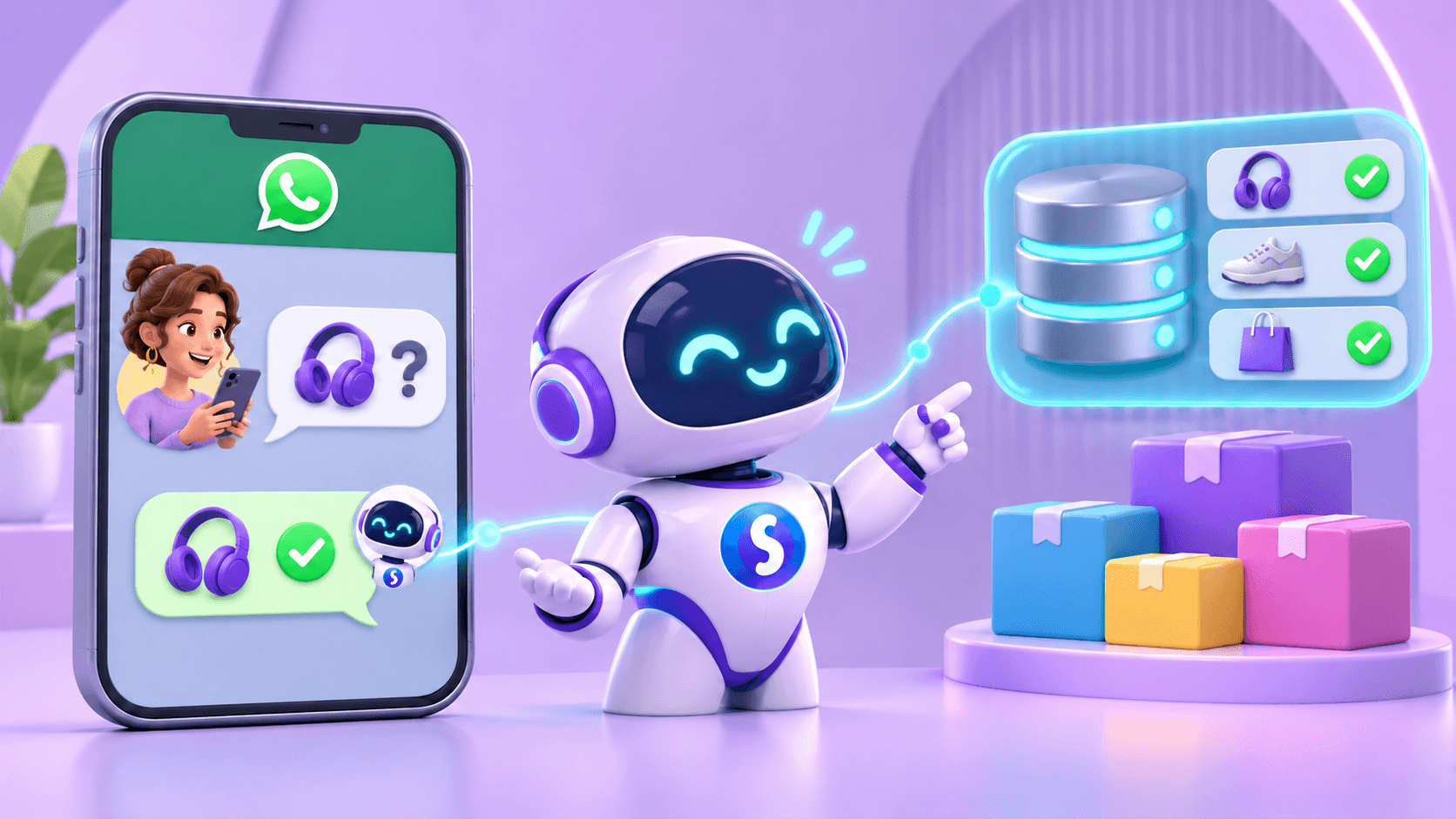
A question such as “Are 20 units of product ABC123 available?” contains an intention and a product identifier. The agent recognizes both and queries the inventory source designated by the business. If the system is unavailable or the code is ambiguous, it can ask for clarification or offer a follow-up.
How the ERP connection works
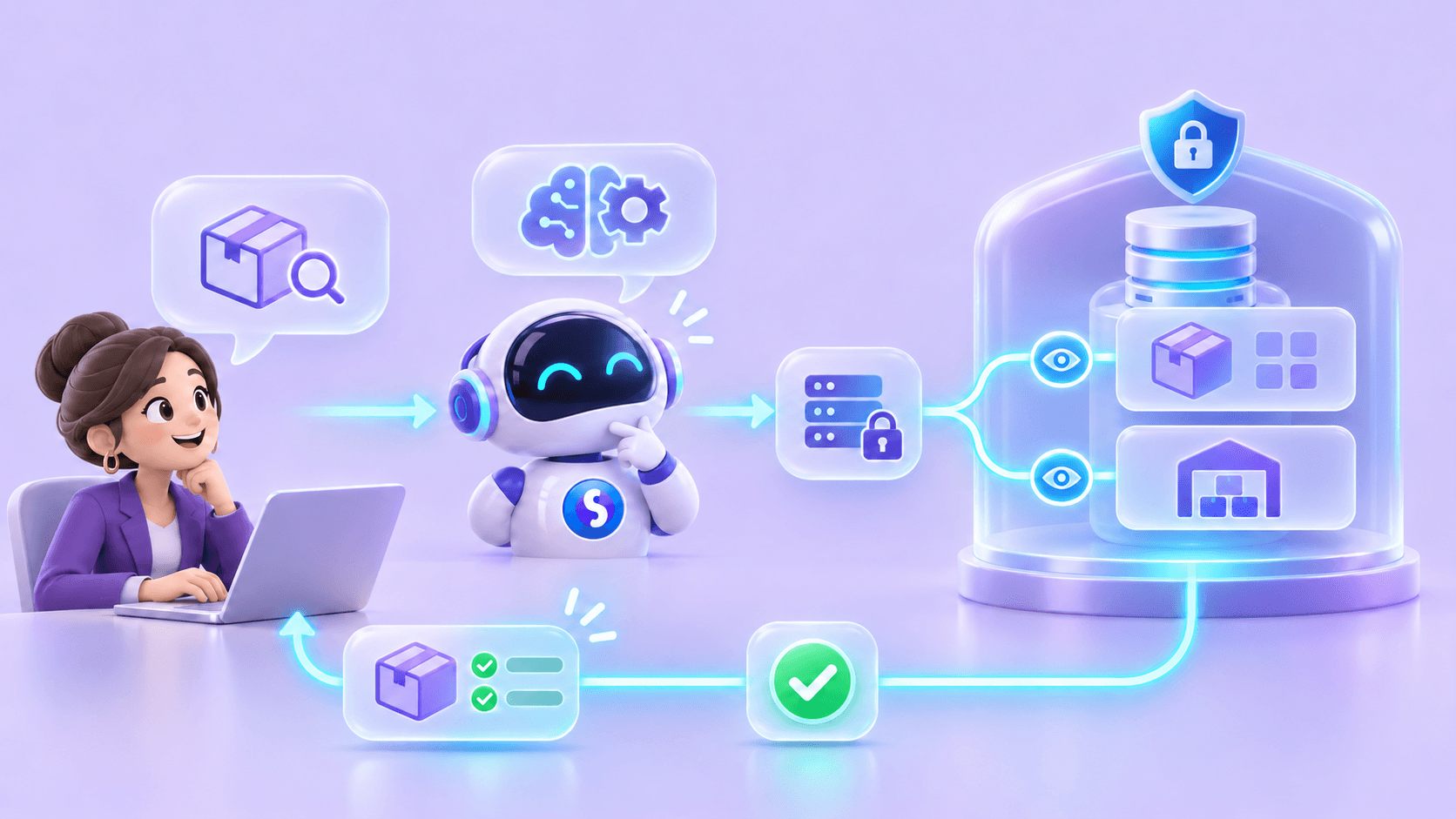
A practical flow has five parts:
- Entry channel. A question arrives from a website, WhatsApp or an internal tool.
- Interpretation. The agent identifies intent and the fields required for the permitted operation.
- Scoped tool. A function such as check_inventory(product_code) requests a defined result from a connector with limited access.
- Validation. The connector authenticates the call, checks permissions, queries the ERP and returns structured data or an explicit error.
- Response. The agent explains the result and, where relevant, indicates when it was checked and whether human confirmation is still needed.
The connection might use an official API, middleware or an existing integration. The right approach depends on the ERP's capabilities. For example, Microsoft documents REST APIs for Business Central. Each implementation still needs a defined contract for inputs, output meaning, errors and limits.
Start with read access before enabling actions
A read-only pilot helps test product identification, data quality and error handling without changing records. Write actions can then be evaluated separately. Creating an order, for example, may require identity checks, current prices, availability, commercial limits and approval.
Separate proposing an action from executing it. An agent can prepare a summary for a salesperson to review. Only an authorized tool, with the necessary controls, should confirm a transaction. The system also needs to prevent duplicate actions when a request is retried after a connection failure.
Permissions and data security
The agent should use service credentials with the smallest required scope. Restrict operations by role, customer, channel and environment. An external user should not be able to retrieve another customer's details or internal prices by phrasing a question cleverly.
Audit records should make it possible to reconstruct which tool was called, who authorized it and what happened, without unnecessarily exposing sensitive data. Instructions in a user message cannot override an ERP access rule. An out-of-scope request should be rejected or handed to a person.
Freshness, errors and continuity
ERP information may lag behind warehouses, branches or ecommerce systems. Before answering a stock question, decide which source is authoritative and what “available” means: physical units, unreserved units or sellable quantity. Checking stock through WhatsApp explores this from the customer's perspective.
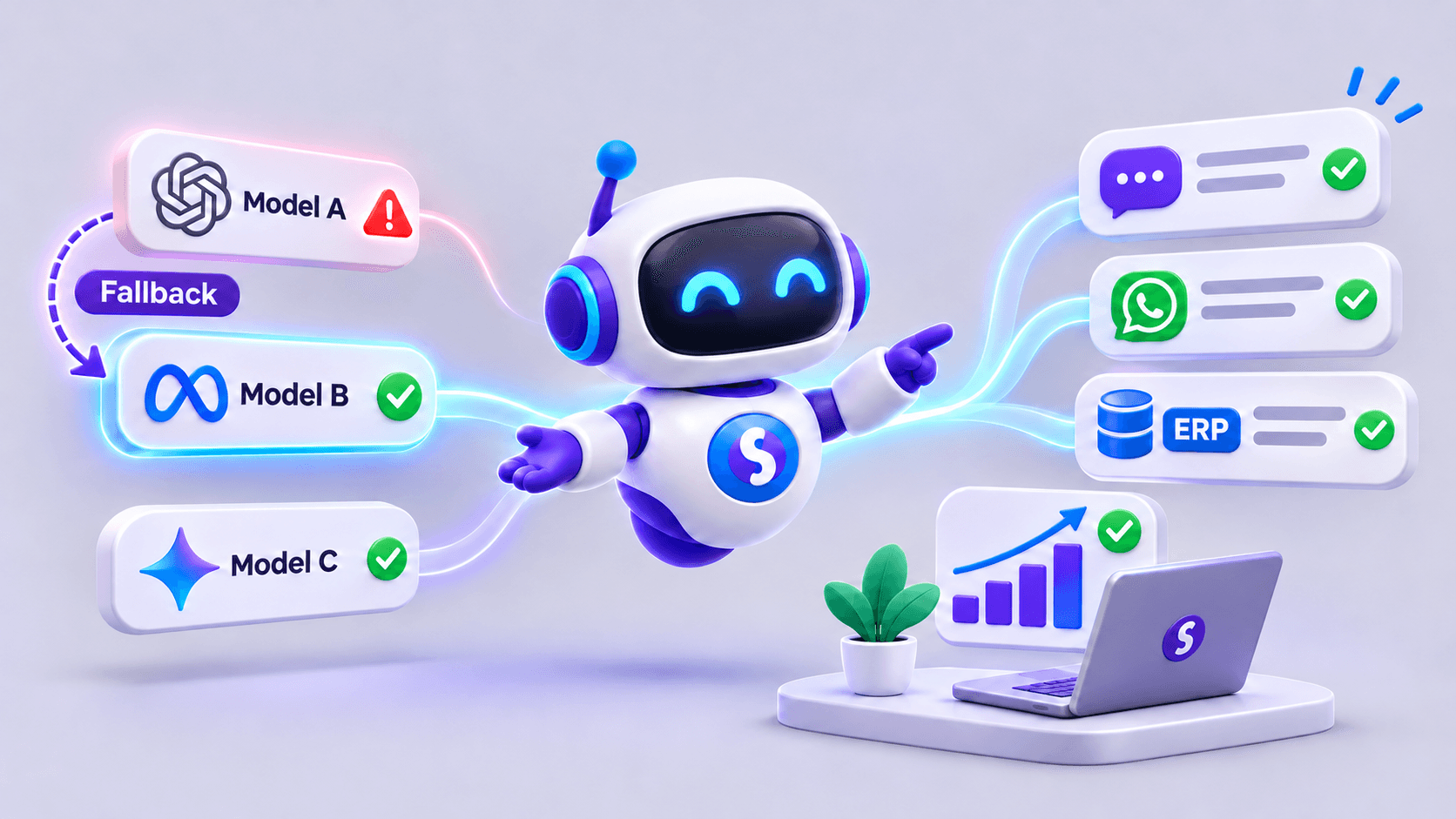
Plan for timeouts, outages and partial responses. When the ERP cannot confirm a fact, the agent can explain the delay and hand the request to a person. AI fallback addresses a separate dependency: model availability.
A sensible first pilot
Choose a frequent, lower-risk query, such as products and availability. Prepare real examples, alternative product names, missing codes, no-match cases, incomplete data and service failures. Confirm that each answer matches the ERP and that users without permission cannot access restricted information.
Measure how often the correct product is found, how many queries need a person and how many fail at the integration. Have the operational team review answers before expanding scope. A demonstration using perfect data does not validate daily use.
How this flow can be implemented with SabioIA
SabioIA connects agents to APIs and business information sources. For a specific ERP, the team reviews the available interfaces and builds the integration needed for the agreed queries. A person asks in natural language; the agent selects an authorized tool, retrieves the fact and uses it in the answer. Read access, possible actions and approvals are set for each implementation.
The diagram below summarizes the path: user → WhatsApp or web → SabioIA → request interpretation → authorized tool → API → ERP → stock, price or order data → answer. The available steps are agreed for each ERP integration.
Frequently asked questions
Does the ERP need an API?
A documented API usually makes controlled integration easier. Other technical routes exist, but they require a review of security, vendor support and maintenance. Direct access to internal database tables without a stable contract and permissions is a poor default.
Can an agent create orders in the ERP?
It can if the system exposes that operation and authentication, validation, approvals where needed and duplicate protection are implemented. The capability must be tested for that specific workflow.
What happens if the ERP is down?
The agent should explain that it could not verify the data or complete the action. Depending on the process, it may create a follow-up task or hand the request to a person. It should not invent a result.